For small businesses
A website that takes the work.
Seaside Web Studio builds one site for one business. Customers order or book on your domain. The money goes to you. Shops, restaurants, and appointment desks all run the day from the same kind of dashboard.
Live example · Test Restaurant2
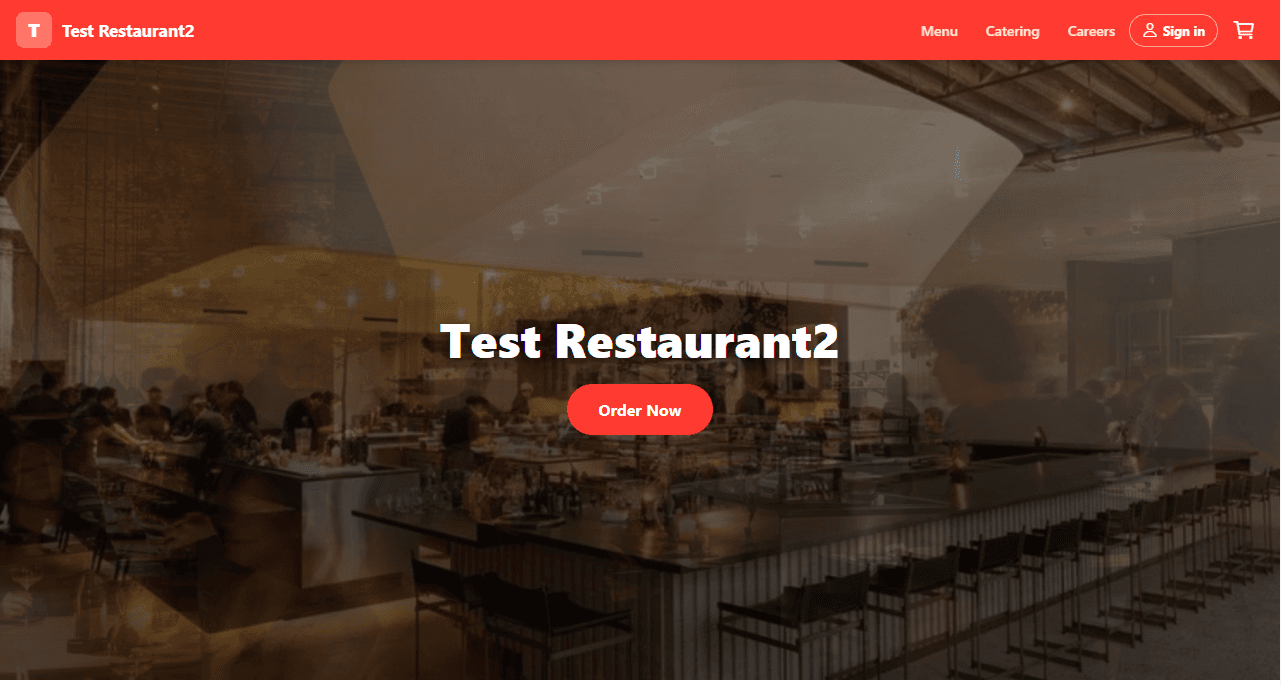
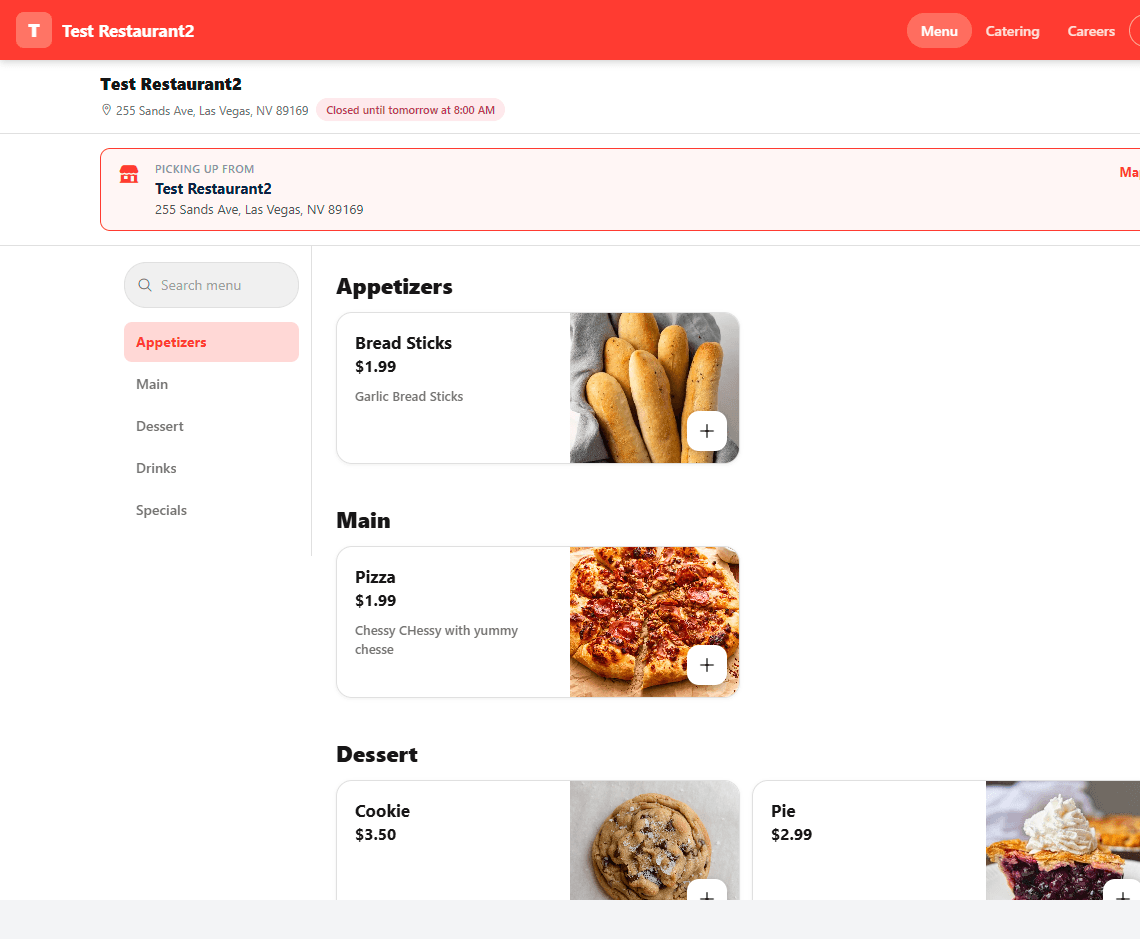
testrestaurant2.com
About
What Seaside Web Studio sells.
Seaside Web Studio provides hosted, branded websites and admin tools for independent small businesses. We may charge setup or subscription fees to the business owner; their customers pay that business through Stripe on the business’s own site.
Seaside Web Studio builds and hosts the software; each client connects their own Stripe account so customer payments go directly to them. Seaside is not the merchant of record for orders on client sites.
Included
What the website comes with.
One business, one domain, and the tools to take an order or a booking, message customers, and run the day from an admin page.
Admin dashboard
Staff sign in for that business and run the site: hours, photos, prices, messages, and the day’s work.
Online transactions
Customers pay by card through Stripe. The price is quoted on the server, tax included, and the payout goes to you.
Email messaging
Confirmations, reminders, and marketing broadcasts send from an address on your own domain.
Branded website
A homepage, gallery, and pages on your domain, with colors and type set for this business, not a shared template.
Ordering, rewards, and tracking
Restaurants and similar shops get a menu, a cart, a loyalty program, and a board for open orders.
Reviews and analytics
A review request goes out after the visit, and the dashboard shows what sold or booked.
Online booking
Appointment businesses let customers pick a time on the same site, without a separate booking tool.
Last-minute cancellation prevention
Reminders go out before the visit, and a cancellation window keeps empty slots from appearing at the last minute.
Job applications
A hiring page lives on the site, with applications in the same admin view.
Process
How a site goes live.
01
Shape the site around the business
Name, colors, photos, and the work you already do. The public site is yours, on your domain.
02
Connect Stripe
Payments are quoted on the server and land in your Stripe account. Seaside does not sit in the middle of the money.
03
Open for orders or bookings
You run the dashboard, the mail, and the calendar or kitchen board. Customers keep using the same address.
Contact
Tell us about the business.
A name, the business, and what the first version should do is enough. We reply by email.
Or write directly to hello@seasidewebstudio.com.